
How to Change Email Settings in Account Settings?
Step 1
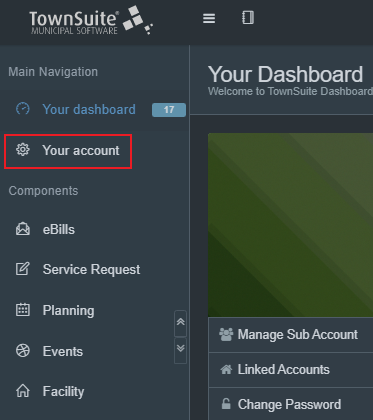
Click on Your Account from the main menu.
Step 2
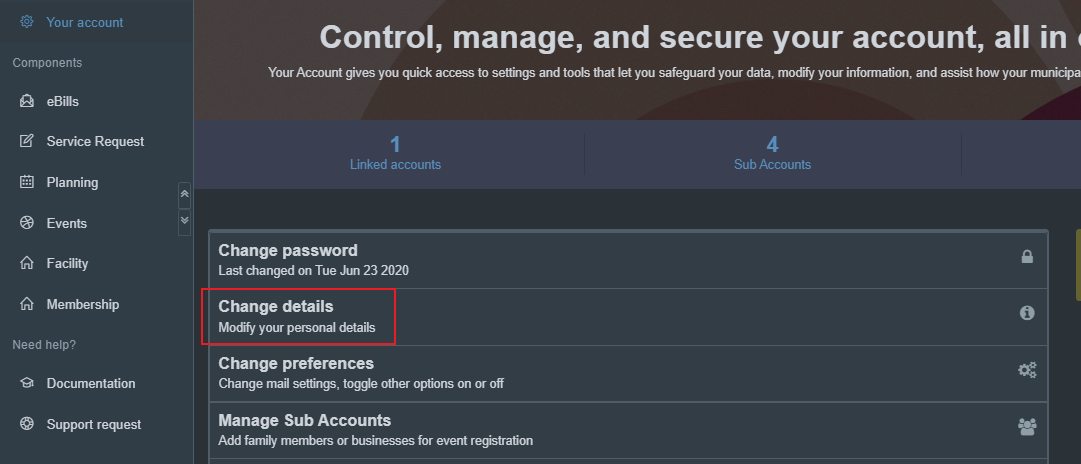
Select Change Details.
Step 3
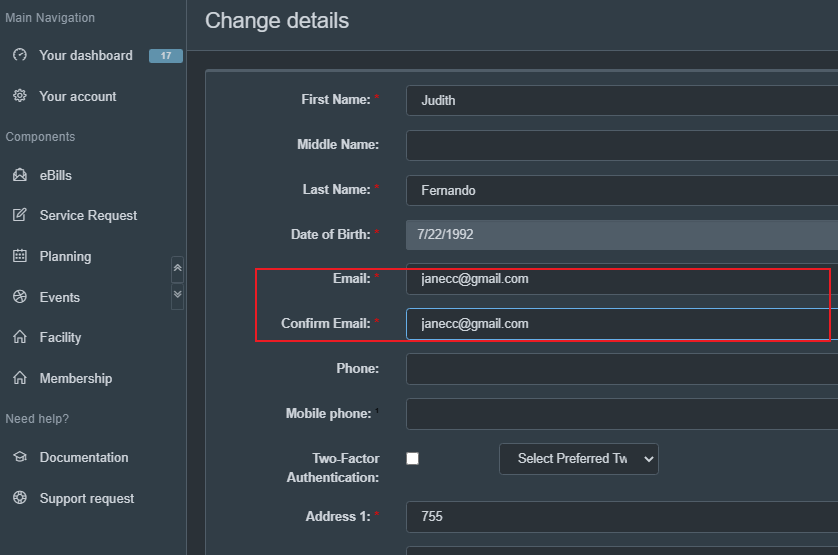
From the Change Details page, enter the email you prefer. Confirm the email.
Step 4
Click Submit


Click on Your Account from the main menu.
Select Change Details.
From the Change Details page, enter the email you prefer. Confirm the email.
Click Submit