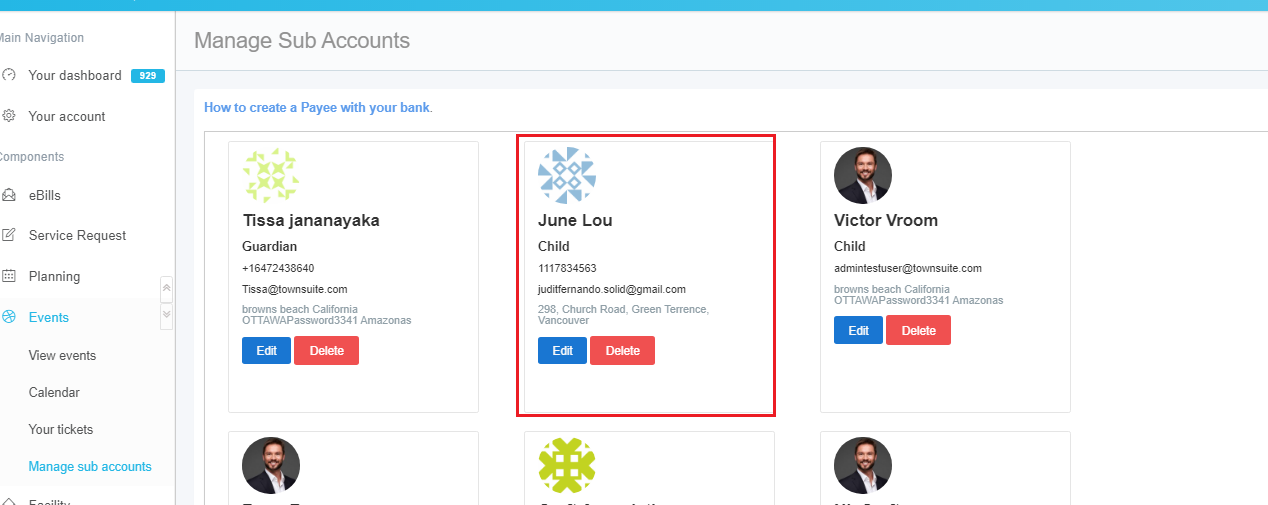
How to add a Sub Account?
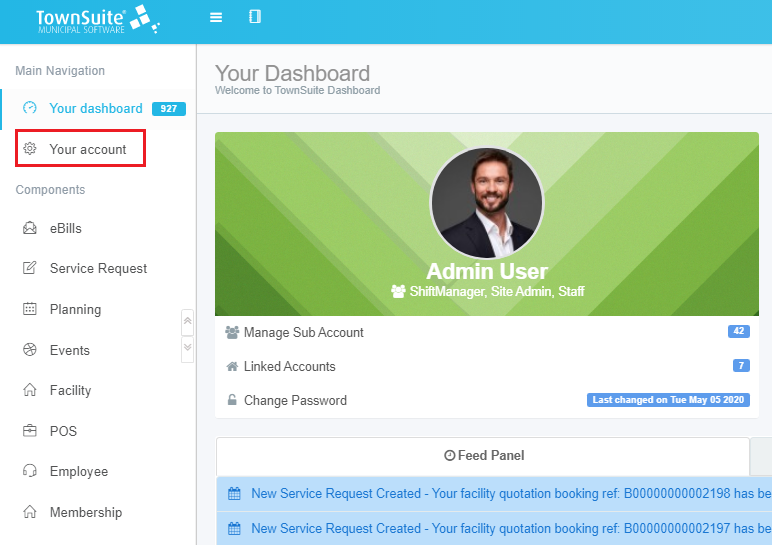
Step 1
First, log in to your user account with your email address and password. Next, click the Your Account section in the left pane.
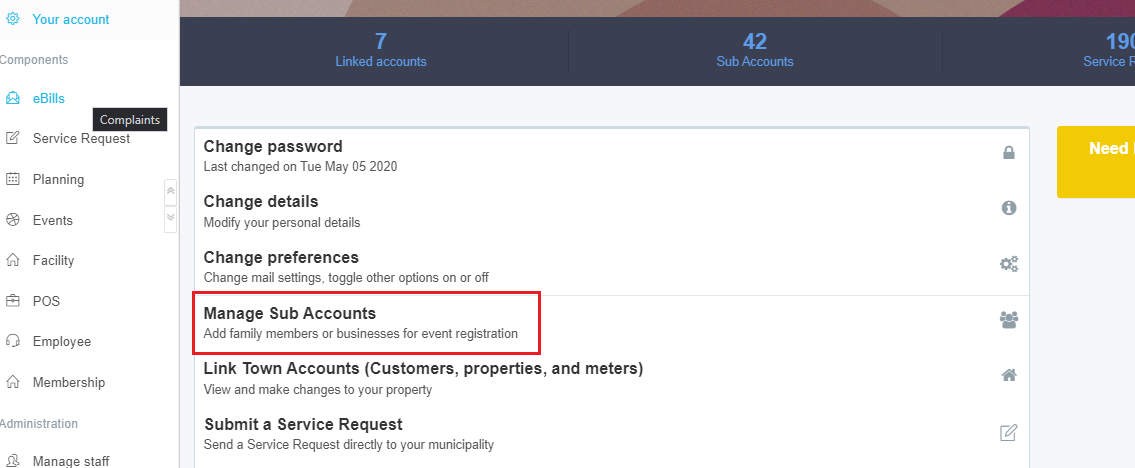
Step 2
Click the Manage Sub Accounts option.
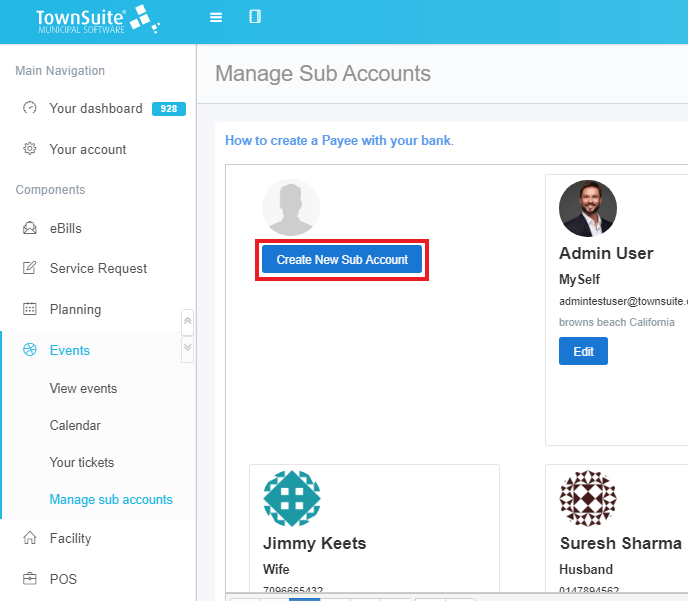
Step 3
Click the Create New Sub Account option from the page that appears.
Step 4
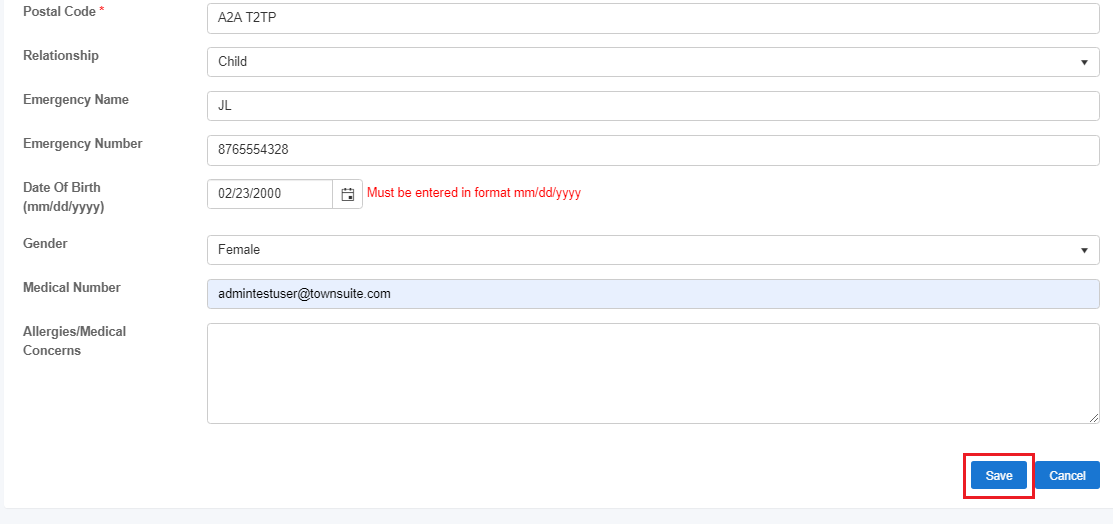
Fill in the form that appears.

Step 5
Click Save.
Step 6
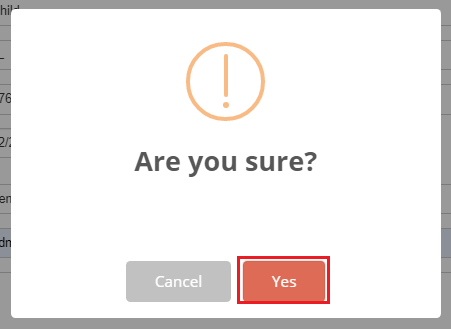
Click Yes from the pop up which appears.
Step 7
A success message will appear.
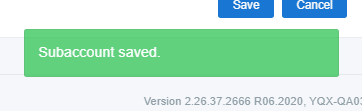
The newly created sub account will appear on the Manage Sub Accounts page.