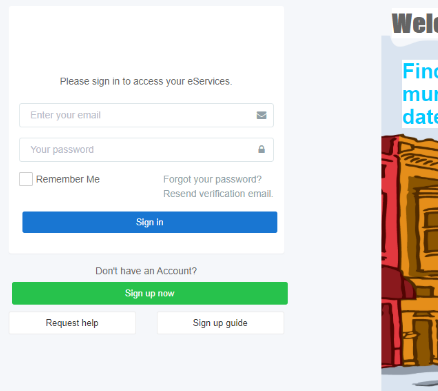
How to Reset the Password?
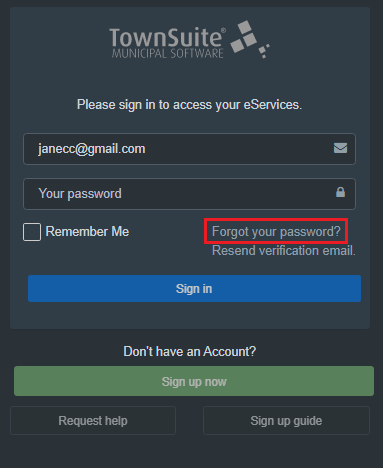
Step 1
Click the Forgot your Password? option.
Step 2
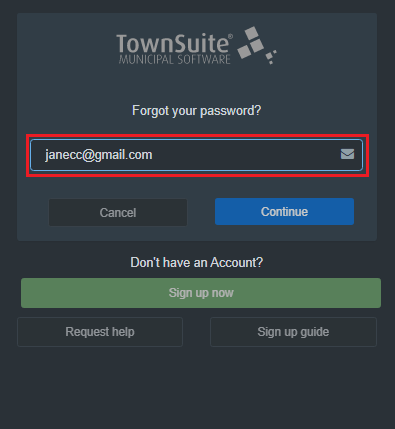
Enter the email address in the Enter Email Address section.
Step 3
You will receive an email with a link as shown below.
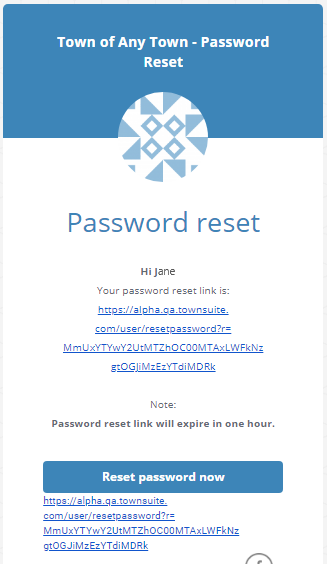
Click on the link.
Step 4
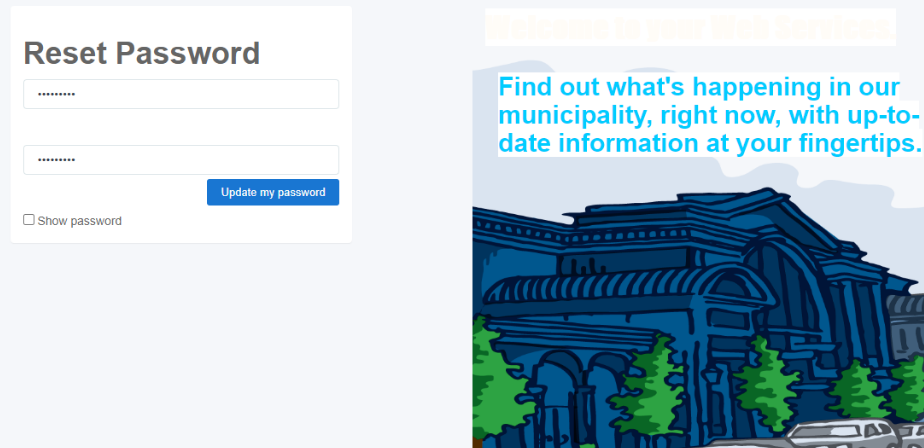
A Reset Password page will appear. Type in a new password and click Update my Password.
Step 5
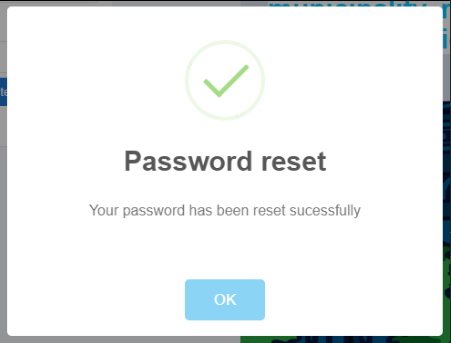
A success message will appear. Click OK
The usual login page will appear. Now you can enter the email and the newly created password to log in to your account.